Use these steps to cancel the information marked for sending to or sent to Public Trust.
1
Navigate to and select the study contract whose Public Trust details will be cancelled. See Display a study contract
2
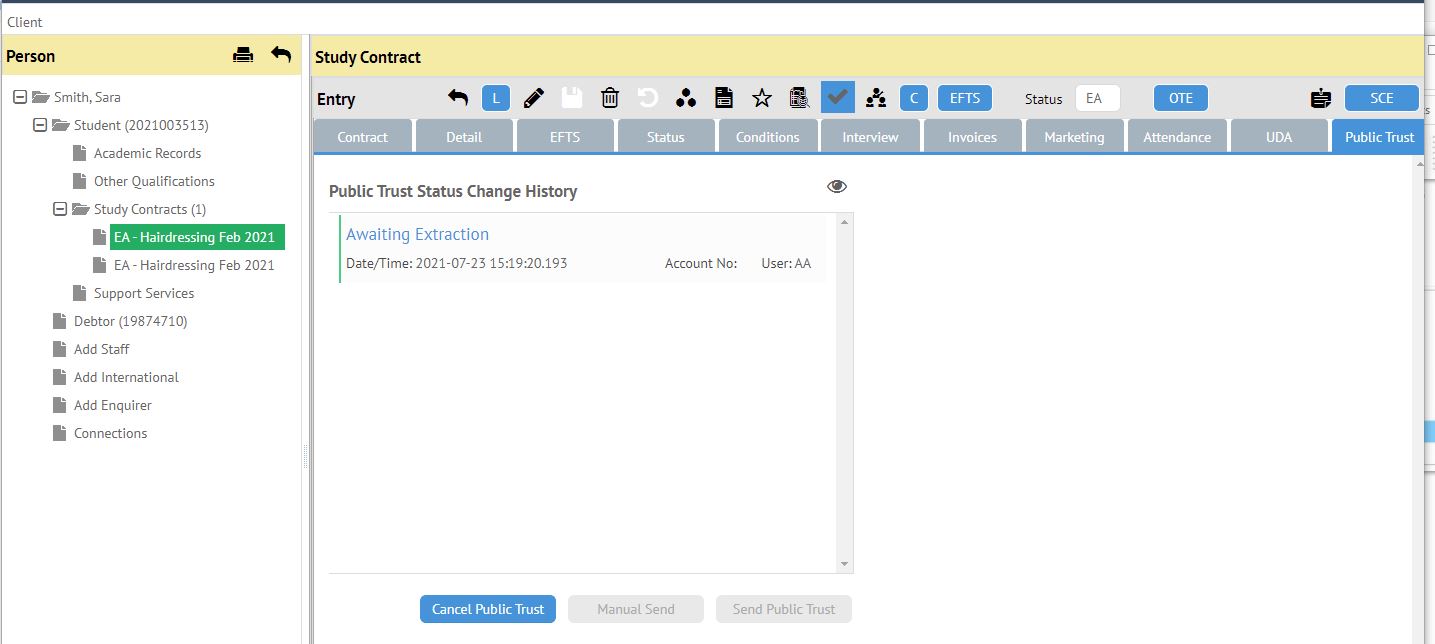
Click Public Trust tab.
3
Click Cancel Public Trust.
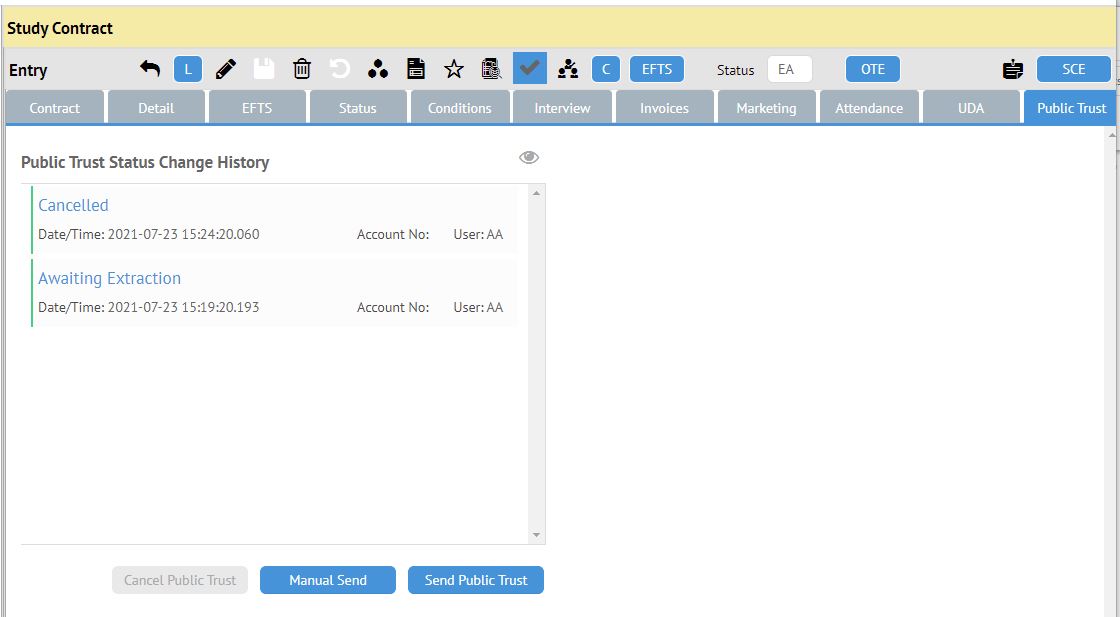
Result: The Public Trust Status Change History screen displays “Cancelled”.
If the Public Trust status is…
then…
Awaiting Extraction
the details are unmarked for sending
the Public Trust status will be set to Cancelled
the status and details can be viewed in the Public Trust Status Change History,
Sent
the Public Trust status will be set to Cancelled
the status and details can be viewed in the Public Trust Status Change History,