NZQAs web-based ROA Turnaround facility is available to request and download the learner Record of Achievement unit standard data from. ROA Turnaround files are processed as they arrive at NZQA and are returned in a ZIP file. Where NZQA is unable to identify a learner on a submission file the details will be recorded on an error file prefixed ROLX. Learners with data are returned with the record of achievement in the ROLT file. Use these steps to export the NZQA request file to send to NZQA requesting a student’s Record of Achievements.
Setup Access in the Security Administrator
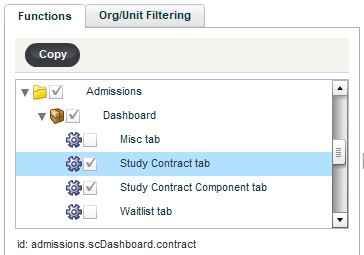
The following security must be configured to give access to create the export file to request a student’s record of achievement.
admissions.scDashboard.contract
admissions.scDashboard.component
teachingStructures.nzqa.maintain – Lets user create NQF and non-NQF files, generate, edit and reverse batches, and change history

1
Navigate to Admissions > Admissions Dashboard.
2
Click on the Study Contract or SC Component Tab.
3
Complete the fields and click on Search to display a list of students
Result: A list of students is displayed
4
From the list of Actions select NZQA RoA and click Perform action to allow the process to proceed.
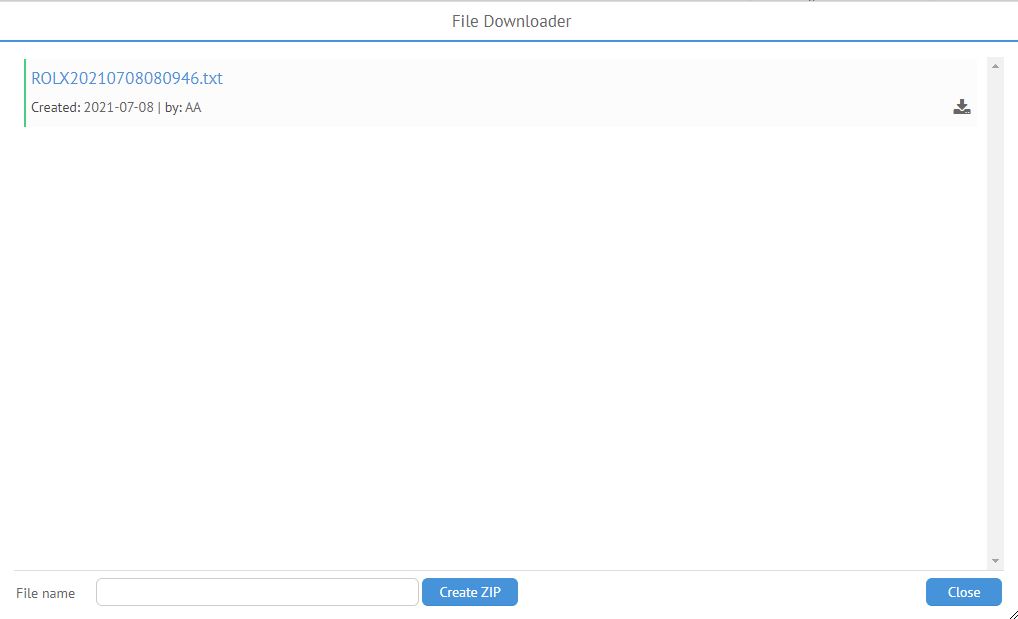
Result: A window displays with the file to download to a local computer for importing onto NZQA’s website.

Next Step
After saving the file, import the file into NZQA’s website and receive a file back to import into Artena again. See Results Import Export