The NZQA units and accreditation files determine the credit value for units and whether or not your organisation is accredited to teach the unit. The NZQA qualification file is required if you wish to export the Qual Request or Qual Check file out of Artena. Use these steps to import the NZQA files for your organisation into Artena. How often this happens is dependent on your organisation, from monthly up to once a year.
This section covers:
- Import NZQA Unit Standards File
- Import NZQA Accreditation File
- Import NZQA Qualification File
 The CONSENTS.txt file will be renamed ACCREDS.txt when it has been downloaded.
Setup Access in the Security Administrator
Allows the NZQA units, accreds and qualifications files to be imported into Artena.
teachingStructures.nzqa.import

1
Navigate to Teaching Structures > NZQA
Result: Import is selected, the Unit radio button is selected.

2
Click the Import button.
3
Navigate to the file and select it.
4
Click Open.
First message displays: ‘LRP started’
On completion of the import a second message displays: ‘LRP completed’
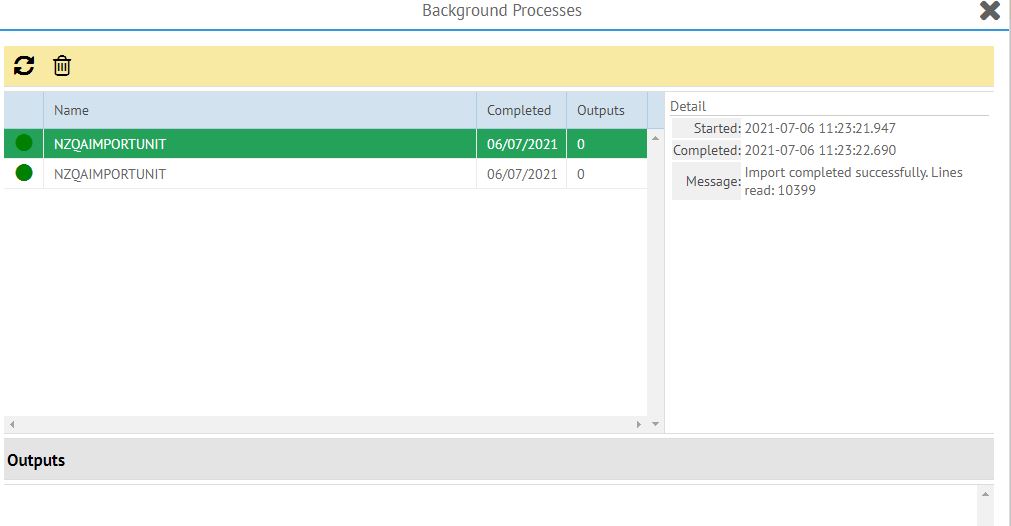
Result: The NZQA file is imported into Artena. Select the Background Processes button for further details.